Upload the image you want to edit in Pixlr Express by selecting it from your device.
Add Bokeh Effect To Photo
Add a beautiful bokeh effect to your photos by creating soft, blurred backgrounds that make your subject stand out. Whether for portraits or creative edits, Pixlr’s Focus/Bokeh Filter makes adding bokeh easy and fun.
What Is The Bokeh Effect?
The bokeh effect refers to the visually pleasing blur that appears in the out-of-focus areas of a photograph, often created by a shallow depth of field. This effect highlights the subject by softening the background, adding depth and dimension to the image. Bokeh is characterized by its smooth, circular light patterns, often seen in highlights, and is popular in portrait, macro, and creative photography. With Pixlr’s Focus/Bokeh Filter, you can easily create this effect digitally, adding artistic blurs and decorative bokeh lights to enhance your photos.
How To Create a Bokeh Background?
1
2
On the left toolbar, select the “Filter” option, then choose “Focus/Bokeh”.
3
Pick a blur mode such as Radial, Symmetric, Linear, or None, depending on the look you want.
4
Use the sliders to control the level of blur and the placement of bokeh effects to match your desired style.
5
Once you’re happy with the edits, save your bokeh-enhanced image in JPG, PNG, WebP, or PDF format.
Create Stunning Depth With AI Bokeh Filter
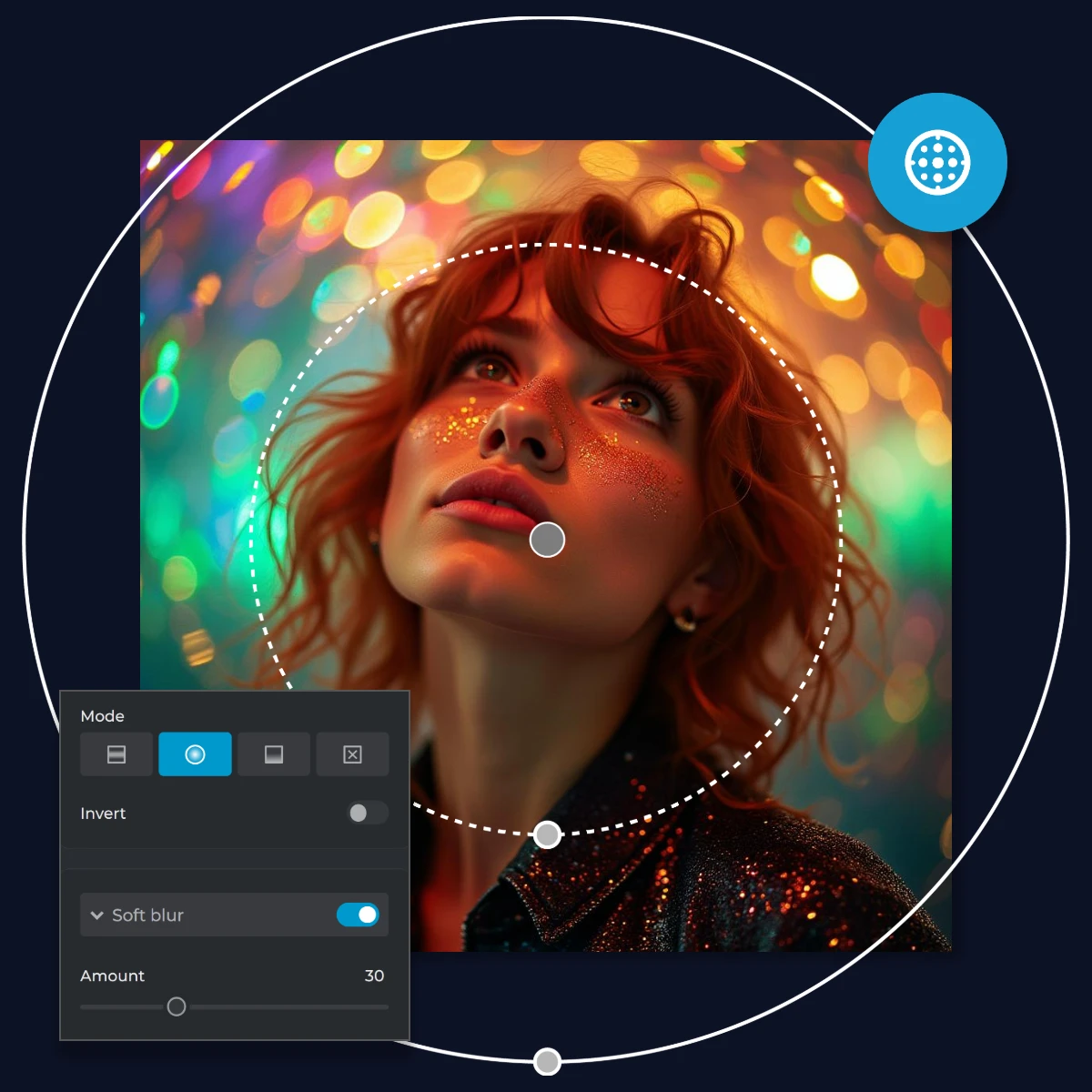
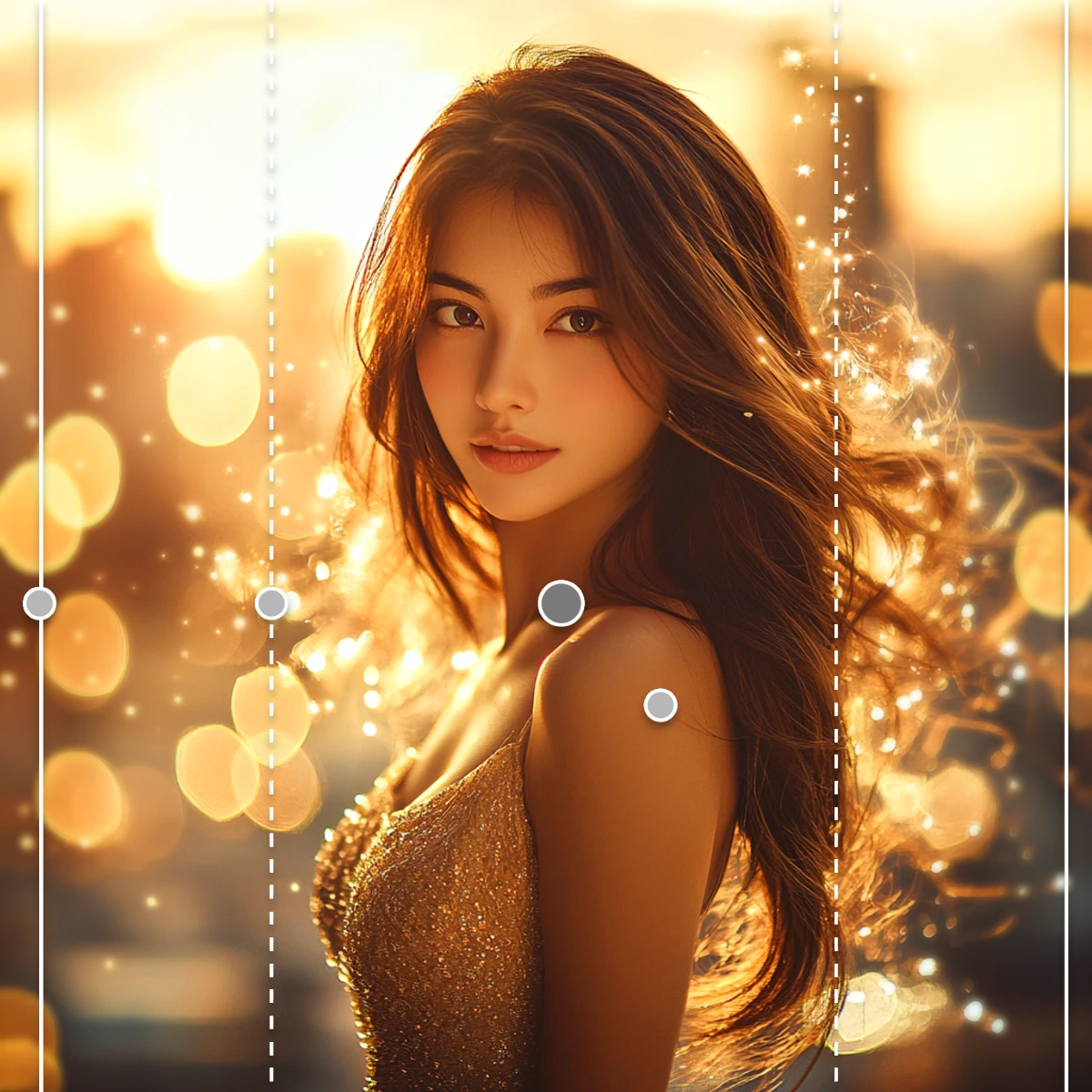
Pixlr’s Focus/Bokeh Filter is an AI-driven filter that adds depth and dimension to your photos by creating beautiful background blurs and bokeh lights. With options like symmetric, radial, and linear blur modes, this Filter allows you to highlight your subject while softening distracting backgrounds. Whether for portraits, product photography, or creative projects, the bokeh effect instantly transforms any image into a visually captivating composition.
Enhance Portraits With Radial And Symmetric Blurs
For portrait photographers, the Focus/Bokeh Filter offers radial and symmetric blur modes to draw attention to the subject while creating soft, dreamy backgrounds. This feature is perfect for eliminating distractions in busy environments and ensuring the focus stays on your subject. By customizing the blur intensity and bokeh shape, you can create a studio-grade bokeh photo that enhances skin tones, facial expressions, and overall visual appeal.
Transform Product Photography With Linear Blur
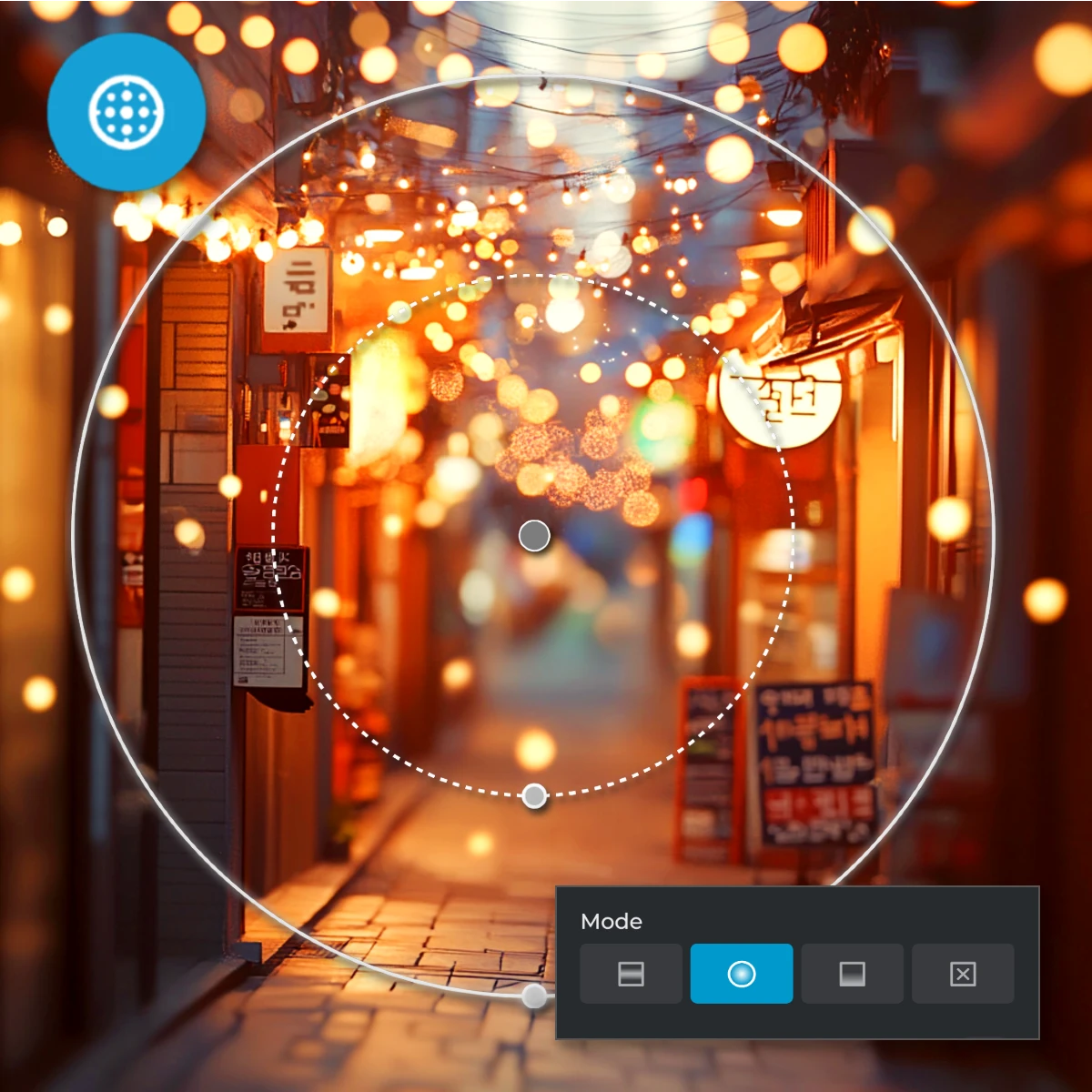
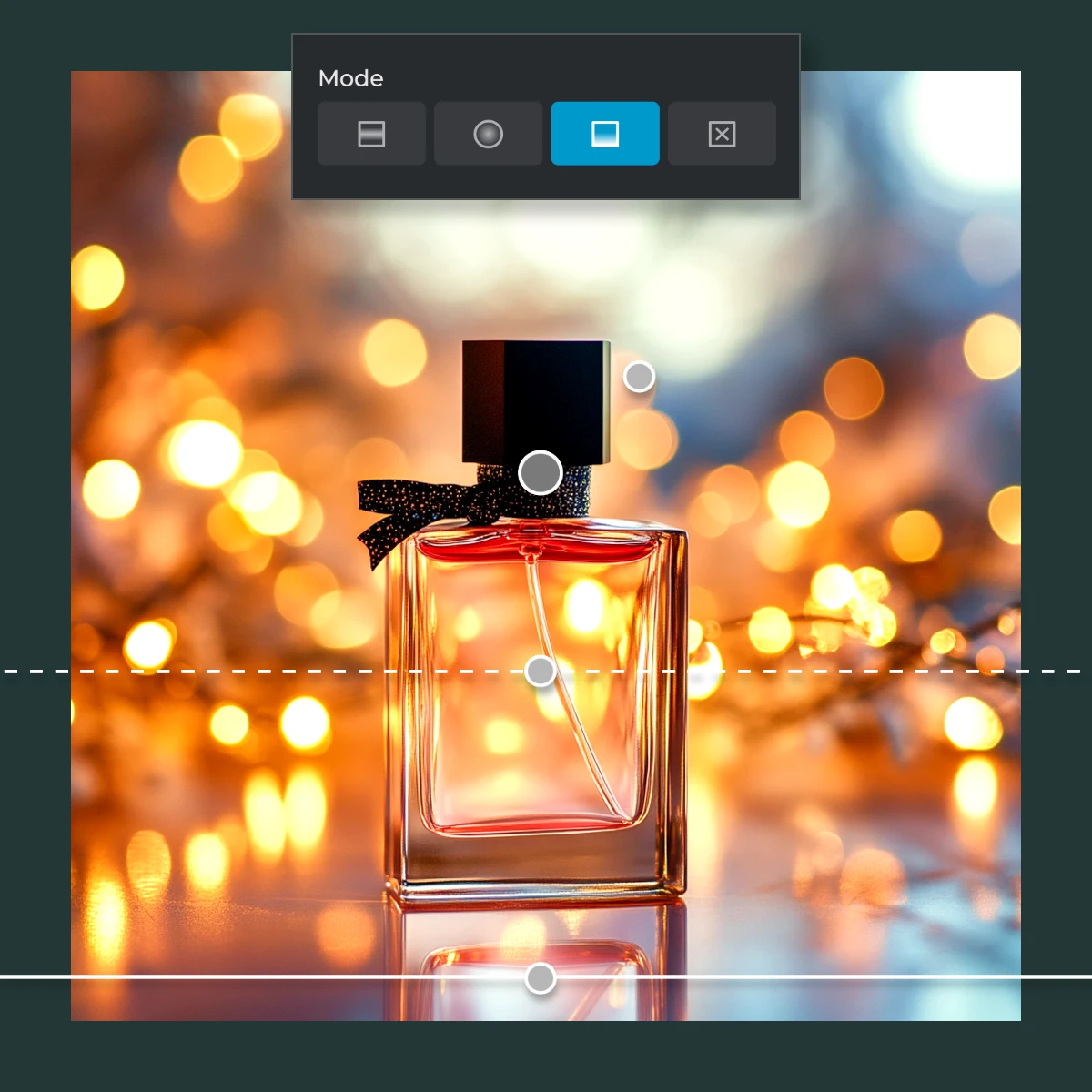
For e-commerce and product photography, Pixlr’s Focus/Bokeh Filter simplifies creating selective focus enhancements. Using the linear blur mode, you can emphasize your product while softly fading the background. This helps highlight product details while maintaining a professional, clean aesthetic. Perfect for online stores, catalogs, or marketing campaigns, the bokeh effect enhances focus and elevates visual quality.
Blur Entire Backgrounds For Professional Results
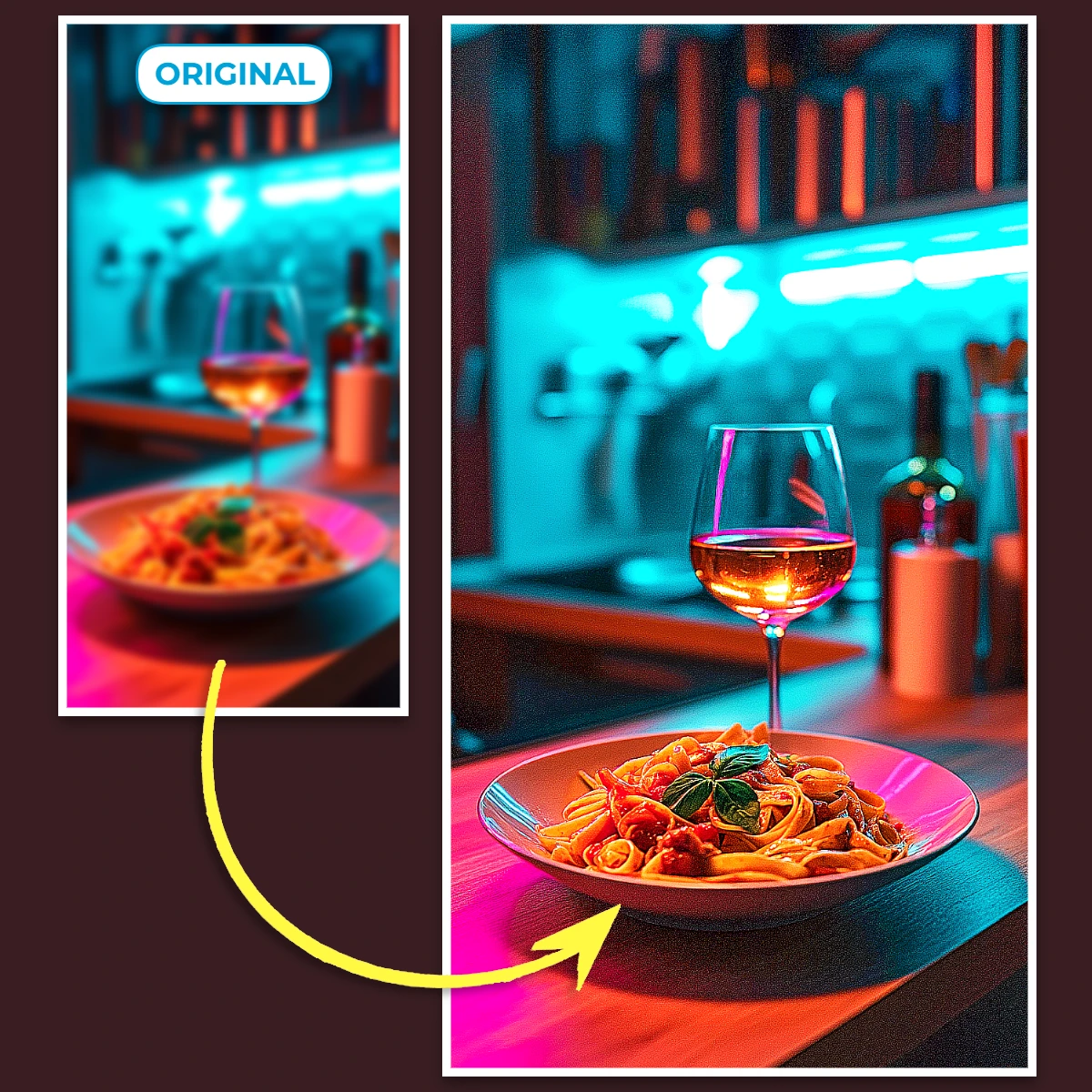
For users who want a fully blurred background, the None mode in Pixlr’s Focus/Bokeh Filter applies even blur across the entire image. With adjustable intensity, size, and color sliders, this setting is particularly useful for removing distractions in busy backgrounds or creating uniform, clean visuals. Whether editing product photos, food photography, or environmental portraits, the full blur effect ensures a polished and smooth finish.
Add Artistic Touches With Bokeh Lights
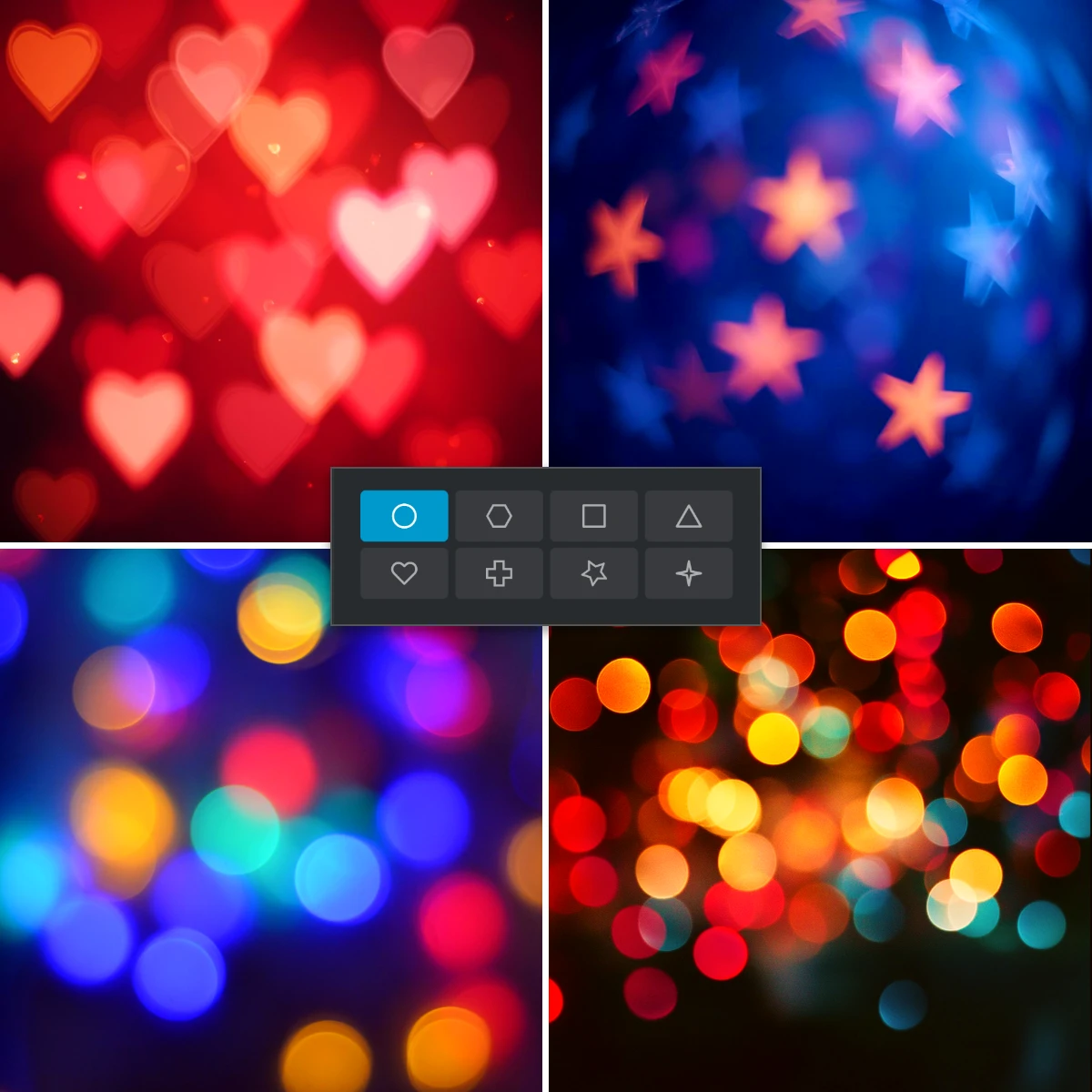
With the Bokeh Shape feature, Pixlr’s Focus/Bokeh Filter adds creative bokeh lights in various shapes like circles, hearts, stars, and more. These lights enhance the mood and artistic quality of your photos, making them perfect for special occasions like weddings, events, or festive themes. Adjust settings like size, intensity, color, and quantity to match your vision, creating a photo that feels both magical and unique.
Improve Visual Storytelling With Soft Blur
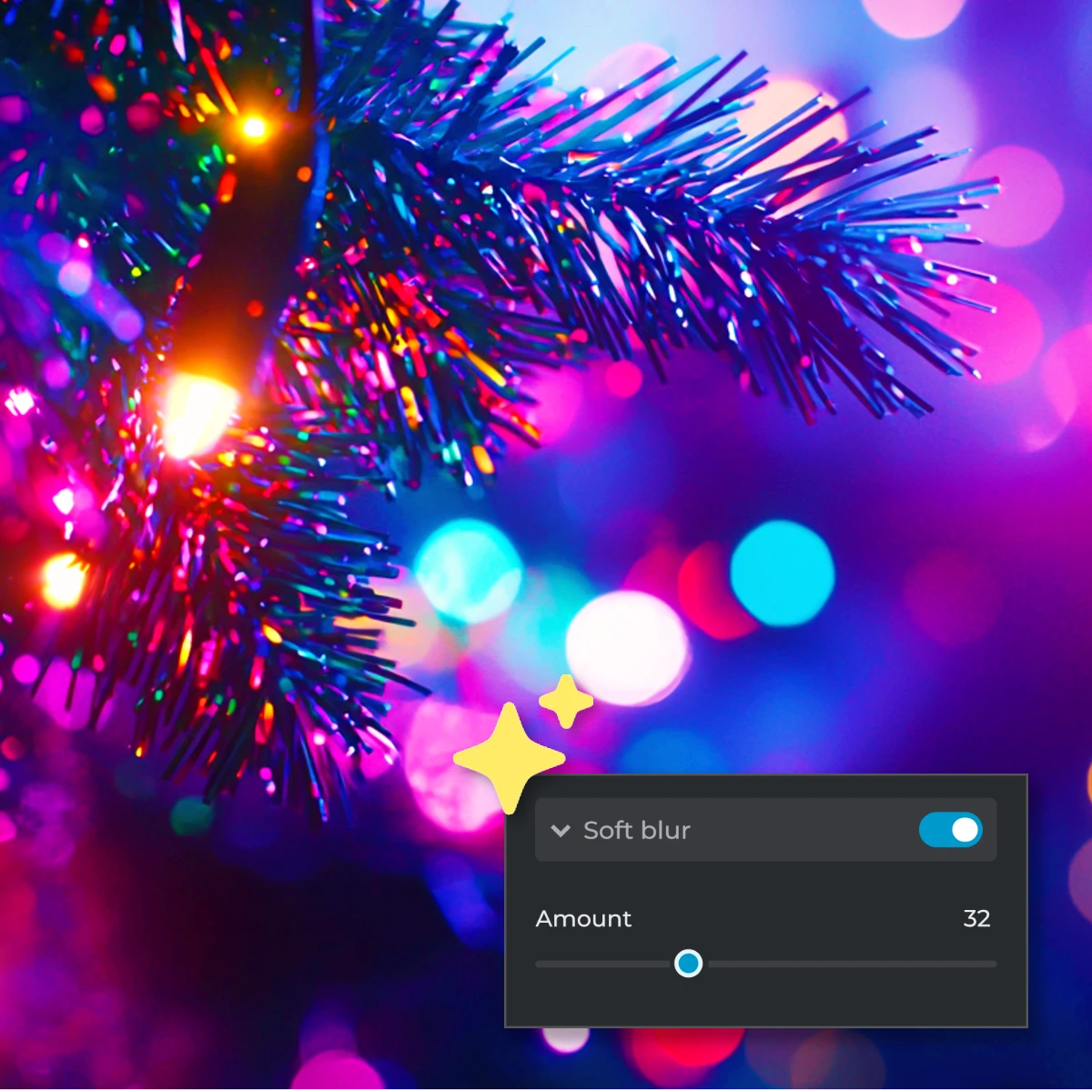
The Soft Blur option in the Focus/Bokeh Filter lets you gently fade the background to draw attention to your subject without overpowering the composition. This subtle blur is perfect for storytelling-focused images, like travel shots or documentary photography, where background context is important but shouldn’t distract from the main subject. The adjustable amount slider ensures you can achieve the perfect balance between focus and depth.
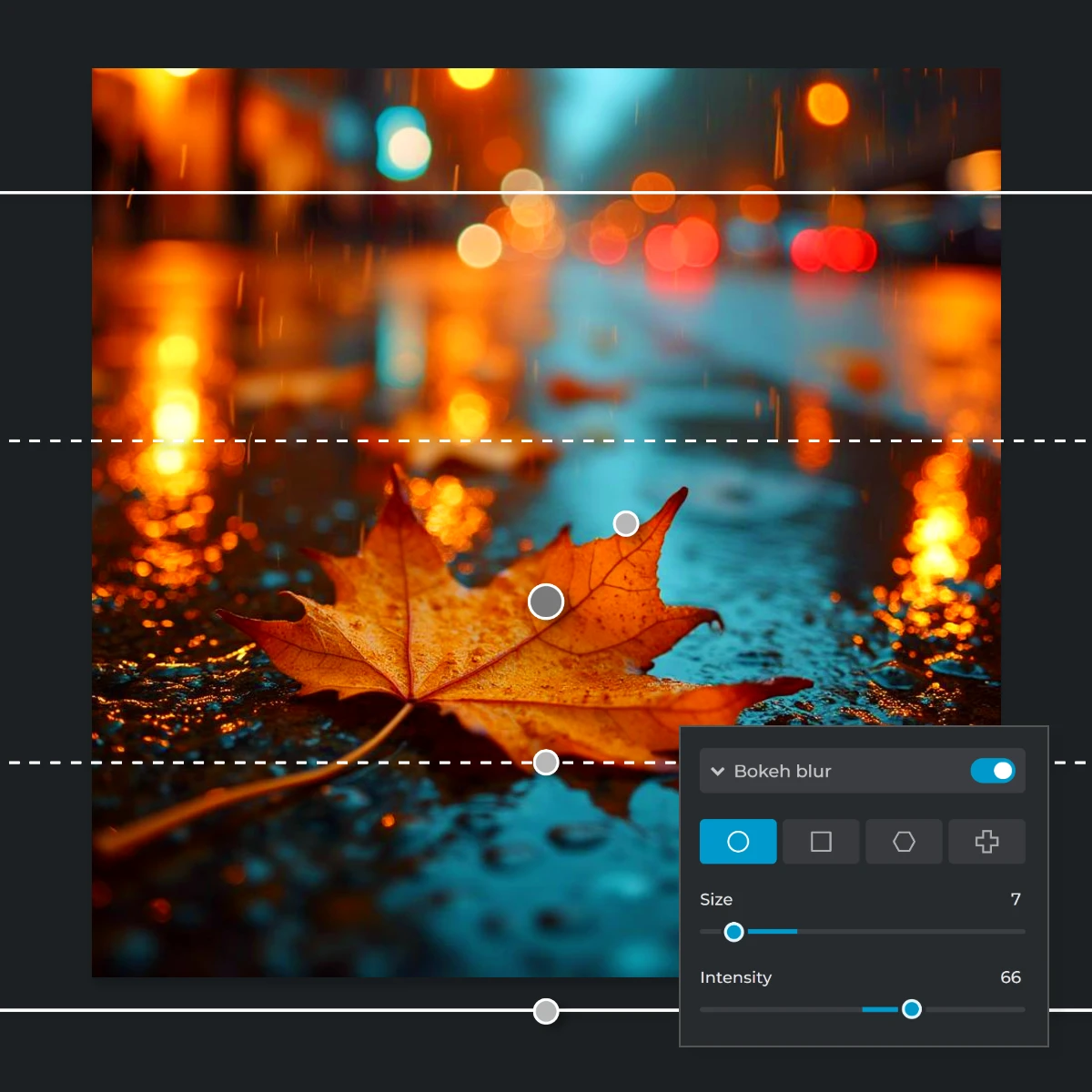
Highlight Details With Bokeh Blur
The Bokeh Blur feature creates a vibrant depth-of-field effect by blurring the background while adding a dynamic layer of visual interest. With controls for size and intensity, this option is ideal for product shots, food photography, or nature close-ups, ensuring your subject pops against a soft, professional-looking backdrop. Whether emphasizing intricate textures or highlighting patterns, this customization brings life and focus to your compositions.
Tailored Edits with Precise Adjustments
Pixlr’s Focus/Bokeh Tool gives you complete control over every aspect of your bokeh edits. Use sliders to adjust the size, quantity, and intensity of blur or bokeh lights, and experiment with dual-tone color effects for creative results. This level of customization allows you to create bokeh photos that align perfectly with your vision, whether for social media, festive invitations, wedding albums, or travel photography.
Do More with Pixlr AI Tools
Frequently Asked Questions
Where do I find the Focus/Bokeh Tool in Pixlr?
After opening your image in Pixlr Express, navigate to the left menu bar, select 'Filter,' and then choose 'Focus/Bokeh.'
How Many Bokeh Effects Can I Choose?
Pixlr’s Focus/Bokeh Tool offers three bokeh effect options: Soft Blur for smooth background fading, Bokeh Blur for a dynamic depth-of-field look, and Bokeh Shape for adding creative lights in customizable shapes like hearts, stars, and circles.
Can I customize the bokeh lights in Pixlr?
Yes, you can adjust the shape, size, intensity, and color of the bokeh lights to suit your creative vision.
Can I adjust the intensity of the blur in the bokeh effect?
Yes, the Focus/Bokeh Tool allows you to control the blur's intensity with simple sliders.
What types of photos benefit most from the bokeh effect?
Portraits, macro shots, and images where you want to emphasize the subject against a soft background benefit greatly from the bokeh effect.
Can I combine the bokeh effect with other filters in Pixlr?
Yes, you can apply additional filters and adjustments to complement the bokeh effect in your photos.
Can It Blur the Subject as Well?
Yes, you can blur the subject intentionally by selecting the None mode, which applies a uniform blur across the entire image, including the subject.
Can I Choose or Edit the Place Being Blurred in Pictures?
Yes, Pixlr allows you to select where the blur is applied using modes like radial, linear, or symmetric, giving you full control over the placement and intensity of the blur effect.